GIANT GAMERS NETWORK
GIANT GAMERS TV
Your Media. Your Channels. Your TV.

Turn your own movies and TV shows into your own television channels.

Enjoy the channel-surfing experience with the media you already own. Giant Gamers TV runs on your Windows PC and serves your home network. No Docker or Plex required.

Windows release status See how to set it up

Giant Gamers TV Neon Broadcast Studio

Custom station art & retro cable networks

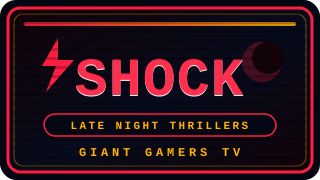
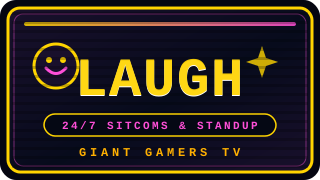
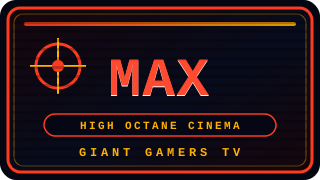
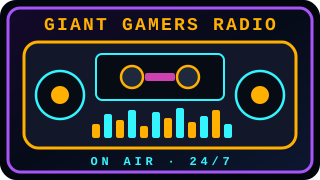
Every channel gets its own neon CRT station ID, parody network bug, or custom uploaded artwork—from Anime and Saturday Morning Cartoons to Classic Movies and 24/7 Giant Gamers Radio.

CH 1100 · Anime
CH 1100 · Anime
CH 1110 · Classic Movies
CH 1125 · Saturday Cartoons
Sigh-Fi · Science Fiction
SHOCK · Late Night Horror
LAUGH · 24/7 Comedy
LAUGH · 24/7 Comedy
MAX · Action Cinema
MAX · Action Cinema
CH 00 · Giant Gamers Radio

Install. Choose folders. Start watching.

  1. Install Giant Gamers TV. The Windows package includes Node and FFmpeg plus a quiet system tray companion.
  2. Choose your media folders. Point at local drives, Plex, or Jellyfin and preview the channels before saving.
  3. Start watching. Tune in on this PC, then connect a phone or TV on the same network.

See your television network

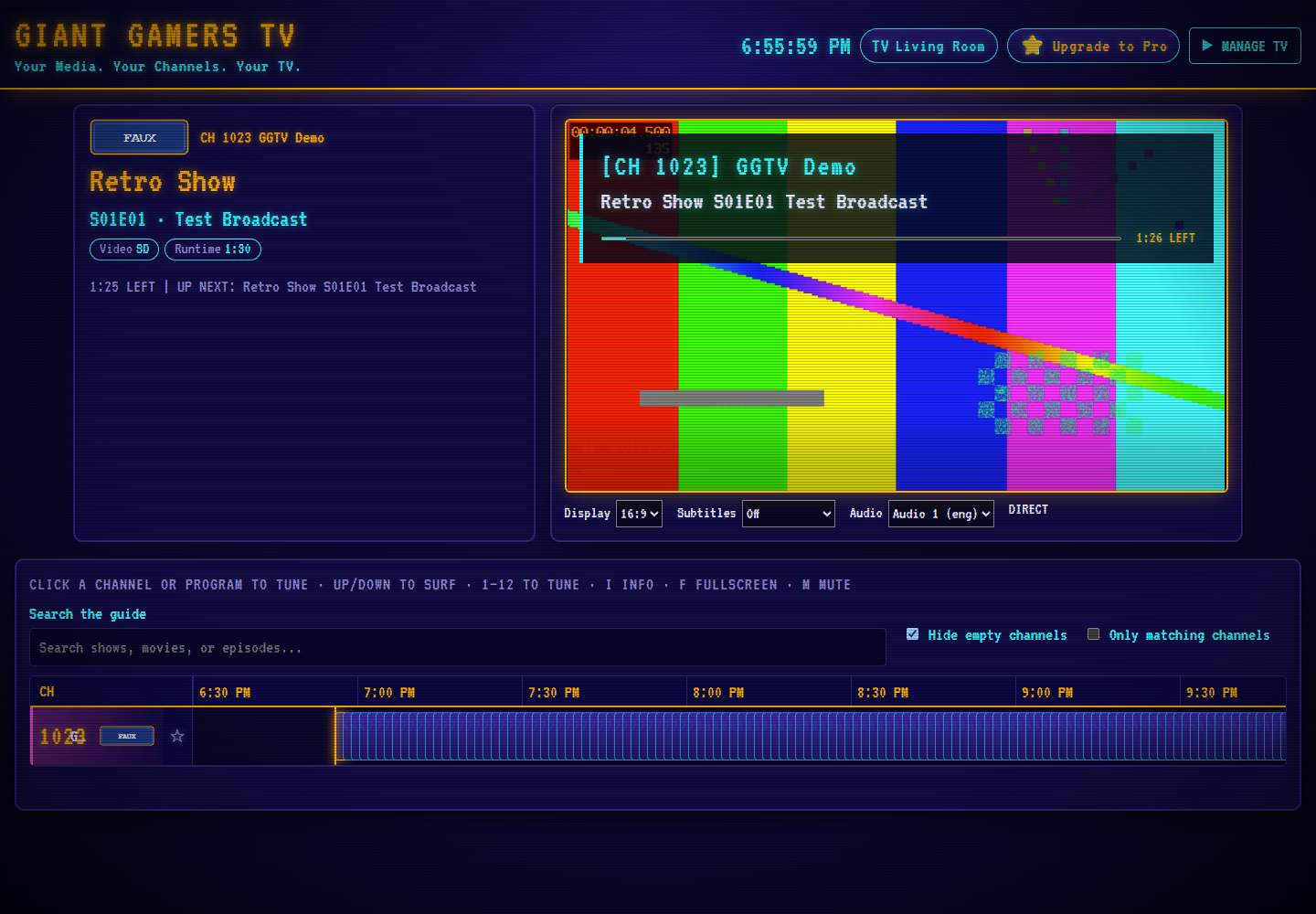
Actual GGTV release candidate showing its guide and local test broadcast
Actual application capture using locally generated test media.

Giant Gamers Radio — Built In on Channel 0

Giant Gamers Radio

24/7 Synthwave, Chiptune & Gaming Beats

Channel 0 tunes directly into Giant Gamers Radio with a live CRT boombox visualizer and real-time track and artist display.

Built for your living room

Your library, on air

Automatic channels, now playing, up next, favorites and a searchable guide.

Watch around the house

Browser player and M3U/XMLTV feeds. Other devices need a reachable Windows host and a compatible player.

A retro broadcast

Channel logos, themes and your own bumper clips. Pro adds independent household profiles and recurring schedule blocks.