Connect and search libraries
Select eligible movies, series or music from the connected provider. Background import and indexed search let you browse the catalogue in pages.

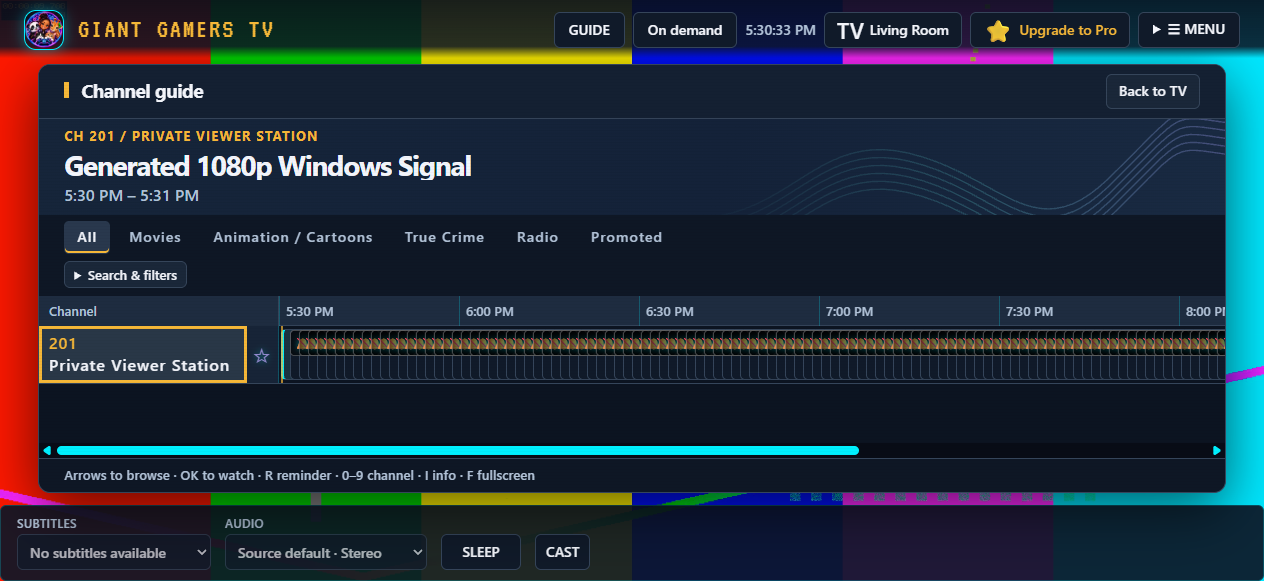
Connect Plex, Jellyfin or Emby, build channels from your library and browse the schedule in a familiar TV guide. A Windows or Docker host shares programme times and allowed channels with connected profiles. Android can also run a standalone lineup.
Select eligible movies, series or music from the connected provider. Background import and indexed search let you browse the catalogue in pages.
Name, number and brand channels. Choose a supported source and episode rotation, then export or import a channel pack when moving a lineup.
Use regular rotations in Free. With Pro, save weekly, recurring, special-event or seasonal programming with the applicable schedule tools.
Rotate station bumpers in sequence or randomly, override them per channel, or import your own video. A separate commercial library can fill eligible schedule padding.
Check what is on now, tune from the guide or browse eligible On Demand and Replay on supported clients. Resume positions and track choices depend on the app and source.
Use applicable household profiles, PINs and channel or rating restrictions. Playback eligibility follows the selected profile.
Schedule a supported personal music library or listen to optional Giant Gamers Radio on Channel 0.
Choose eligible alternate audio or subtitle tracks. Plex, Jellyfin or Emby provides the video stream and performs conversion when needed.
Export a household backup before upgrading or moving hosts. Keep a private copy of the full host data separately for protected settings that need to be restored or reconnected.
Back up a household · Check device support · Compare Free and Pro