PERSONAL TELEVISION, REIMAGINED
Channel surfing.
Made personal.
The shows you love. The lineup you make. Turn your own movies and series into a TV experience worth tuning into.
Development preview Personal media required
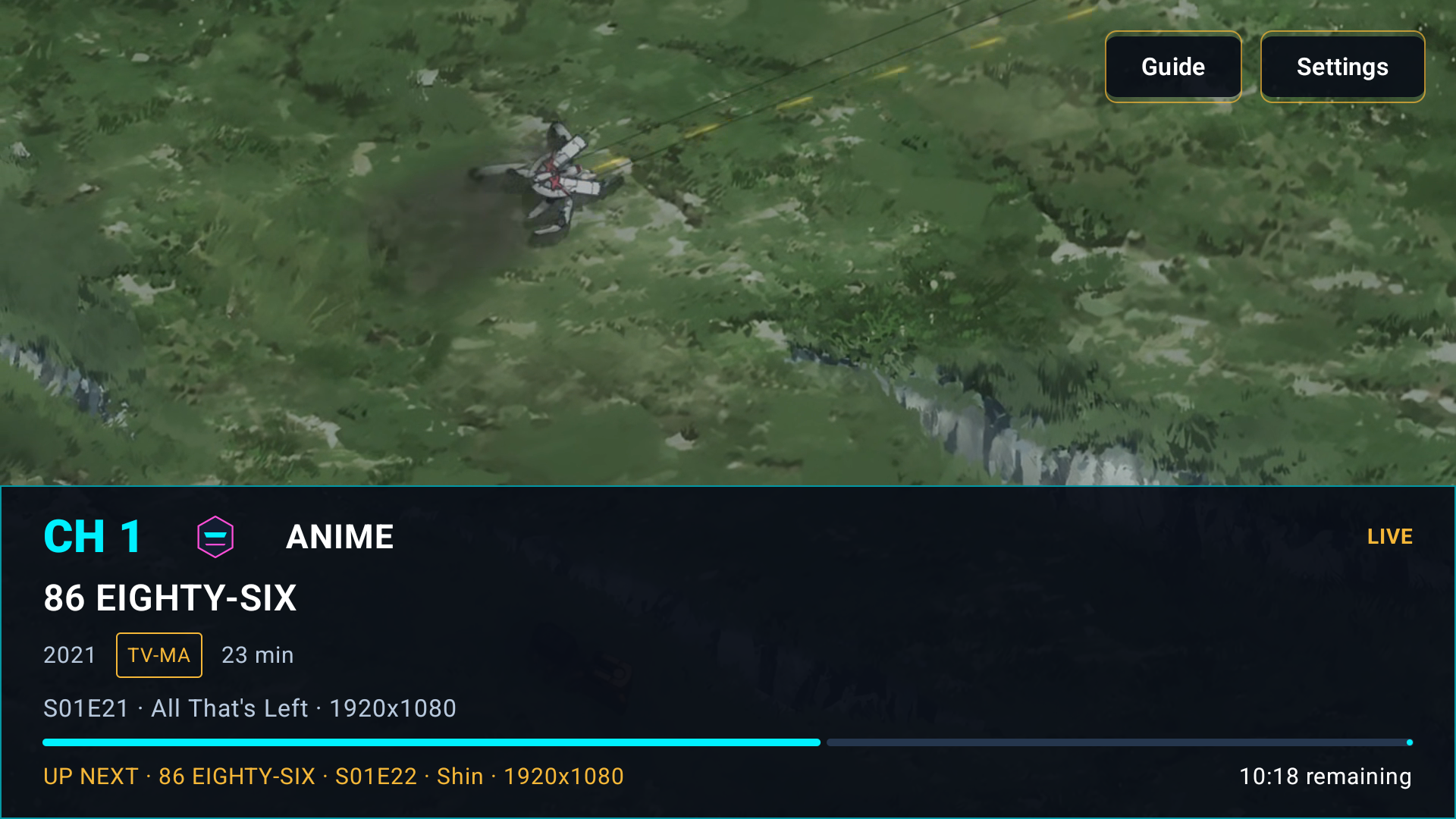
YOU'RE THE PROGRAMME DIRECTOR
A lineup that feels like you.
Saturday cartoons. A late-night movie. That one series, on repeat. Your collection sets the schedule.
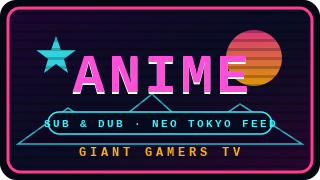
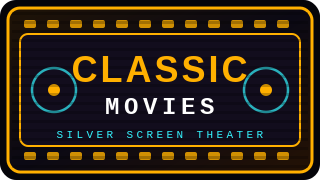
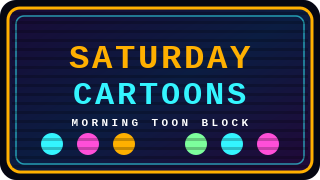
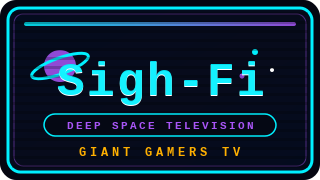
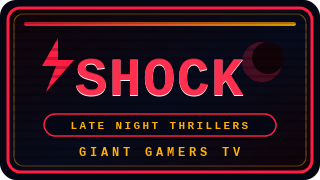
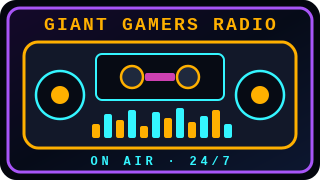
Station identities for your own media. Movies and television programmes are not included.
LESS SCROLLING. MORE SURFING.
Feels like TV.
Because it is yours.
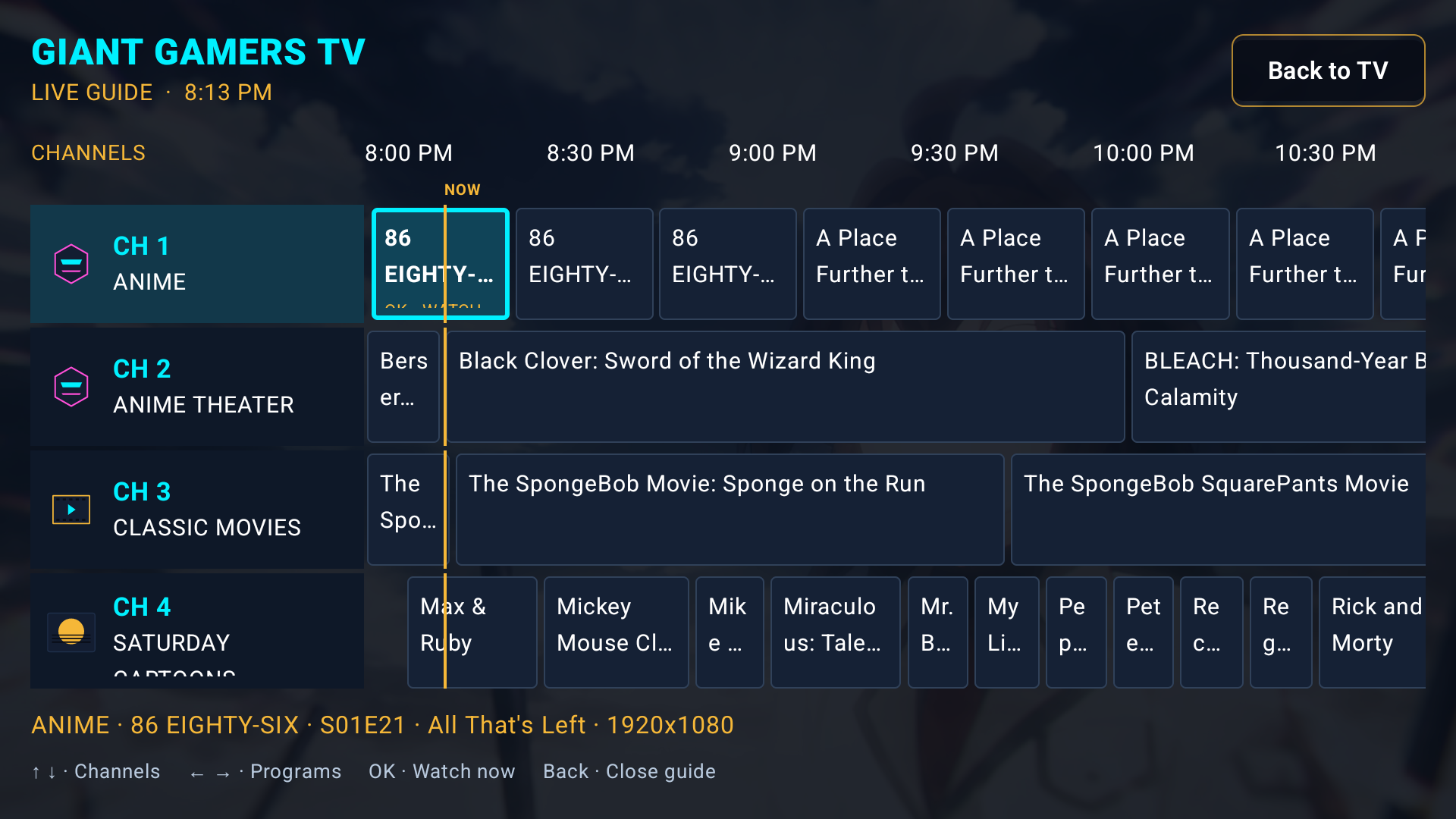
Open the guide, see what's on and tune straight in. Your video stays in the background while you find your next channel.
- A proper television guide
- What's on now, what's coming next and a lineup you can navigate with a remote.
- A little broadcast nostalgia
- Add your own station artwork, bumper clips and commercials. Give each channel its own personality.
- Your kind of screen time
- Favorites, profiles and Kids PIN controls where supported. See the Free and Pro feature comparison for each client.
YOUR FIRST BROADCAST
From collection to channel.
- 01
Bring your media.
Connect your Plex, Jellyfin or Emby server. GGTV uses its existing library catalogue.
- 02
Make your lineup.
Choose what belongs on each channel. Add a name, a logo and your own broadcast style.
- 03
Settle in.
Start on your PC or Android device. Use household mode to reach your library from other screens.
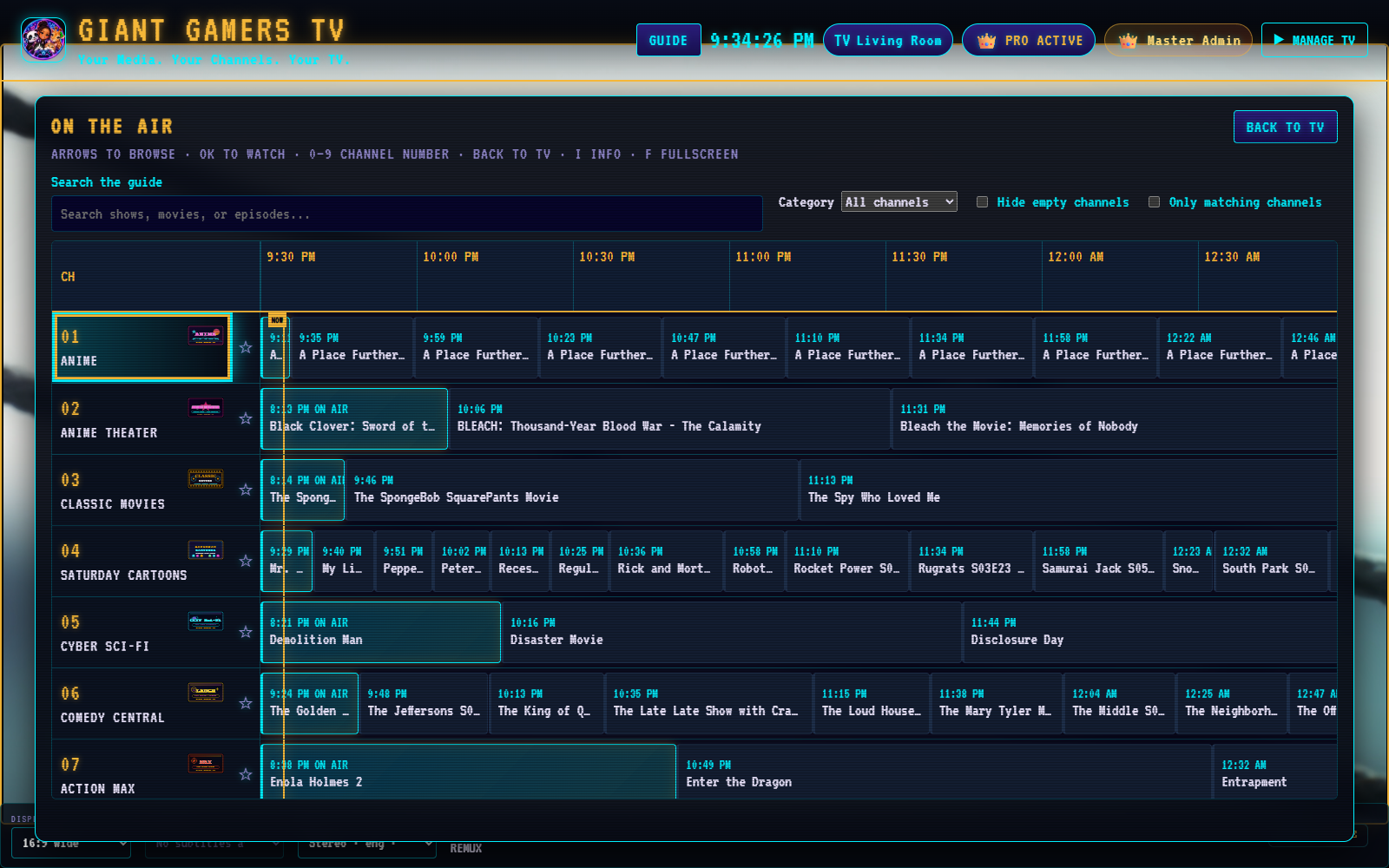
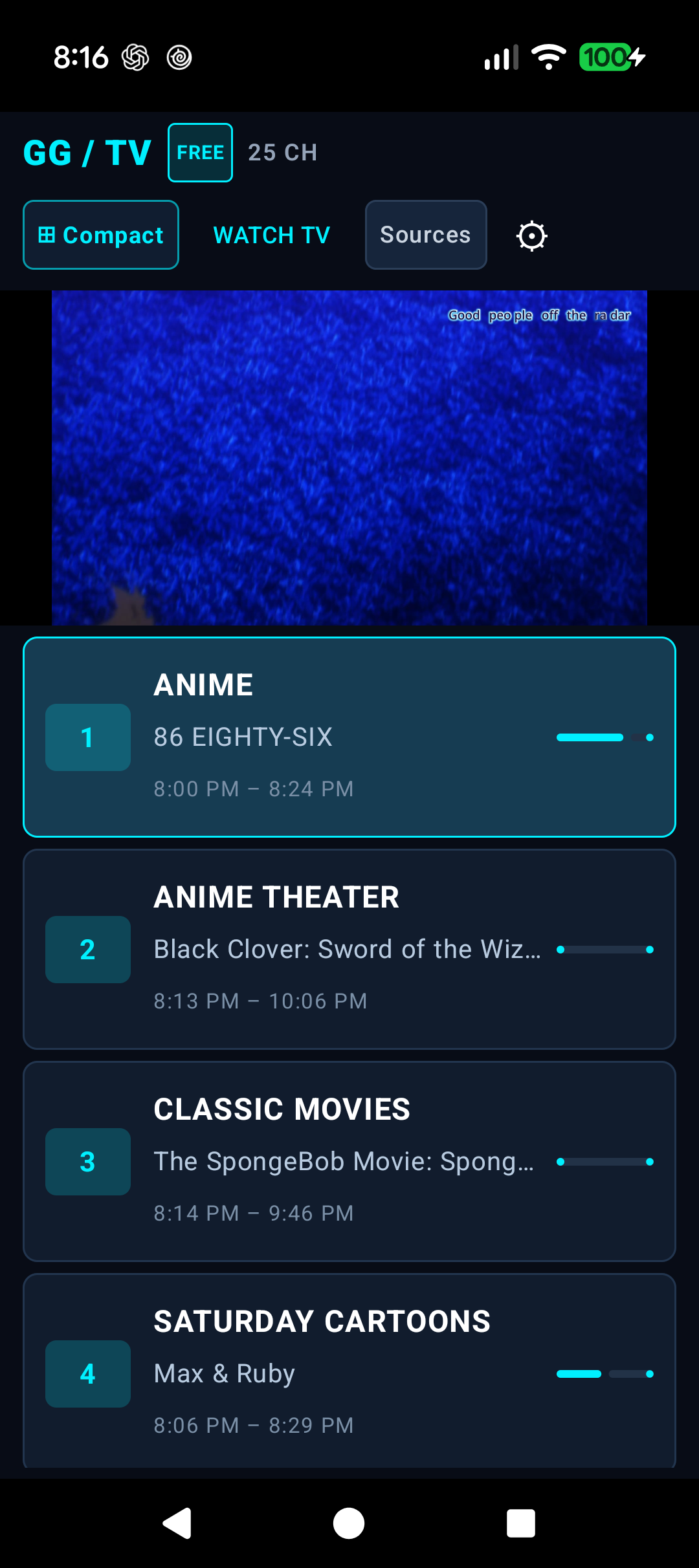
Actual PC and Pixel captures · Development builds
ONE COLLECTION. MORE WAYS TO WATCH.
Big screen.
Small screen.
Your screen.
The Windows host helps you build and manage your lineup. Native Android connects directly to your media server without a GGTV PC, or joins a household host. Plex, Jellyfin or Emby is required in either mode.
- WindowsNative host + browser player
- Android & Google TVNative app
- Roku · LG webOS · KodiExperimental clients
Availability and test-build status vary by platform. Check each package before installing.
Explore apps & compatibility
CHANNEL 00 · GIANT GAMERS RADIO
Always something on.
Take a break from the screen. Tune in to Giant Gamers Radio, with live track information and a little late-night atmosphere.
Listen to the stationBEFORE YOU TUNE IN
A few good questions.
Does GGTV come with movies or channels?
GGTV organizes media you already own or can access through your supported media server. It does not supply movies or television shows. Giant Gamers Radio is an optional built-in station.
Do I need a media server or Docker?
Plex, Jellyfin or Emby is required for the current development candidate. Your media server supplies the library and handles video/audio conversion. GGTV does not need Docker and does not scan local video folders.
Can Android run without my PC?
Yes: native Android standalone mode connects directly to Plex, Jellyfin or Emby, which must be reachable. It does not require a GGTV PC. Household mode uses a reachable GGTV host. Roku, LG webOS and Kodi are experimental household clients; see the device guide for current limitations.
What is available to download?
The current provider-only development candidate requires Plex, Jellyfin or Emby. Archived downloads can use the earlier local-folder setup. Screenshots may show newer development builds; this update does not publish a new app release. The download page lists the status and checks for each platform. A build passing automated checks does not make it a finished public release.
YOUR MEDIA. YOUR CHANNELS. YOUR TV.